
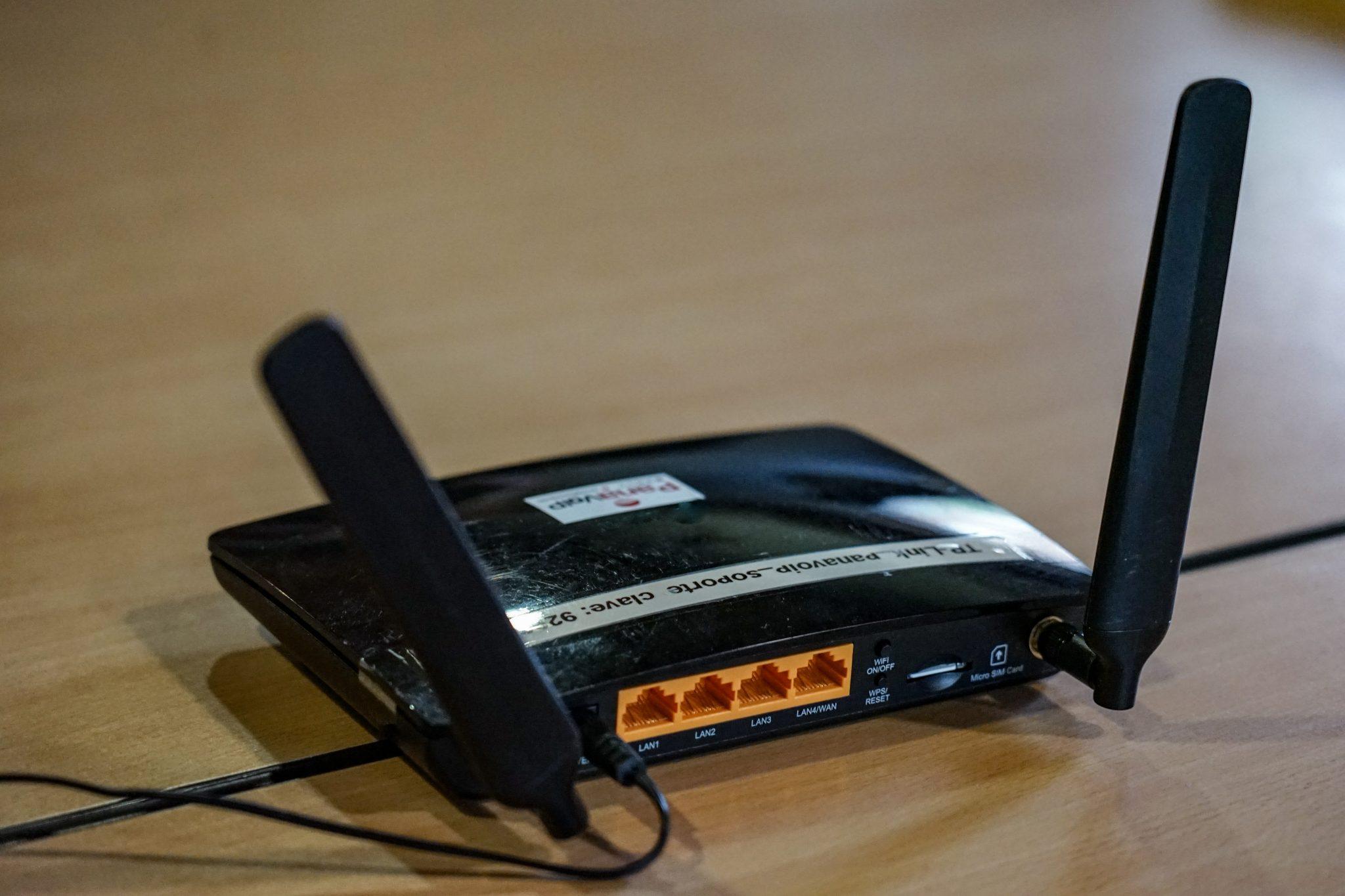
The Wi-Fi extender you bought for the back bedroom is, more often than not, making your Wi-Fi worse rather than better. This is one of the most common things we find in homes and small offices, and it is almost always installed with the best of intentions.
What an extender actually does
An extender does not create signal. It listens to your existing Wi-Fi and rebroadcasts whatever it can hear. That is the whole trick, and it explains the problem: people naturally install the extender in the room where the Wi-Fi is bad, which is precisely where it can barely hear the router. It then faithfully rebroadcasts that weak, patchy signal, and you get a strong-looking connection to a device that itself has a poor connection to the router.
There is a second cost. A traditional extender has to receive and retransmit on the same radio, which roughly halves the throughput passing through it before anything else is taken into account.
Why the whole house gets worse
This is the part that surprises people. Devices are stubborn about letting go of a network once they have joined it. Your phone connects to the extender in the back room, you walk to the lounge, and it clings to the extender at one bar rather than switching to the router that is now three metres away. You added equipment to fix one room and ended up with a slower connection in rooms that were previously fine.
Try the free fix first
Before buying anything, move the router. Genuinely — this solves it more often than any purchase.
- Get it out of the cupboard or the DB box. Enclosed spaces and metal are the worst thing for Wi-Fi.
- Get it off the floor and up high. Signal spreads outward and downward far better than upward.
- Move it toward the middle of the space rather than the far corner where the line happens to come in.
- Keep it away from fish tanks, microwaves, fridges and mirrors. Water and metal are both very effective at absorbing 2.4GHz and 5GHz.
- Stand the antennas up if it has them.
If the router has to stay where the line enters, a short run of network cable to a better-positioned access point is inexpensive and works properly.
What to buy if you do need more coverage
For a genuinely larger space, you want a mesh system — several units designed to work together, sharing one network name and handing devices between them intelligently. Mesh with a cable between the units is best by a wide margin. Wireless mesh is still substantially better than an extender, because the units are built to talk to each other rather than improvising.
For an office, the right answer is usually cabled access points. More work up front, and then it simply works, which is what you want in a building where people are trying to get things done.
One thing that is worth knowing: adding more wireless devices to a space that is already crowded with neighbouring networks can make things worse rather than better. Coverage problems and congestion problems look identical from the user’s chair and have opposite solutions. That is the point at which it is worth having someone measure rather than guess.
If your Wi-Fi is frustrating you, we are happy to tell you which of these it is before you spend anything.